Chapter 1
One · A Missing Letter
Clara finds a receipt for twenty reams of paper, and the petition it was bought for.
Native writing app for Mac.
What a Novel idea.
One purchase. No subscription. · macOS 26 or later.
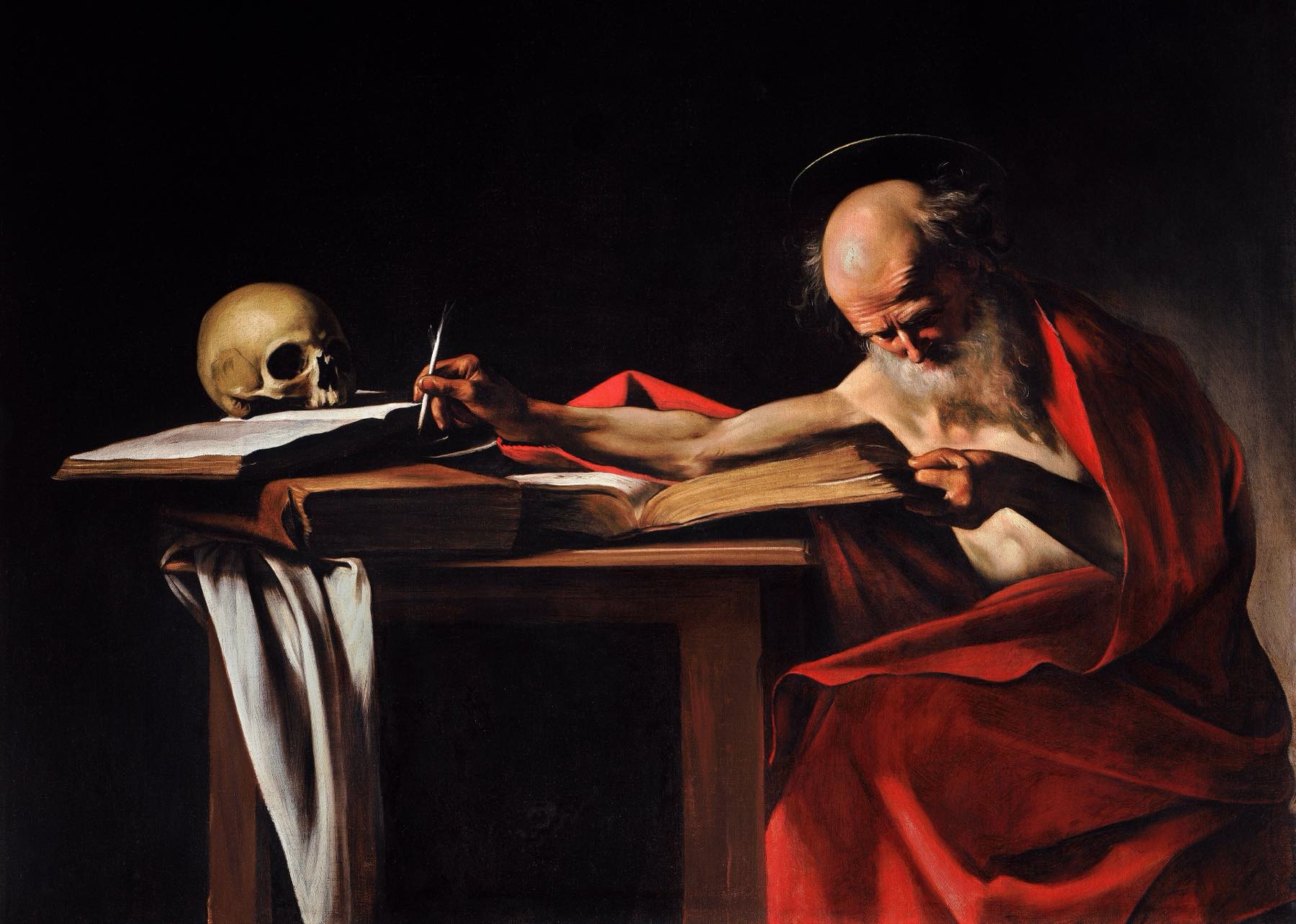
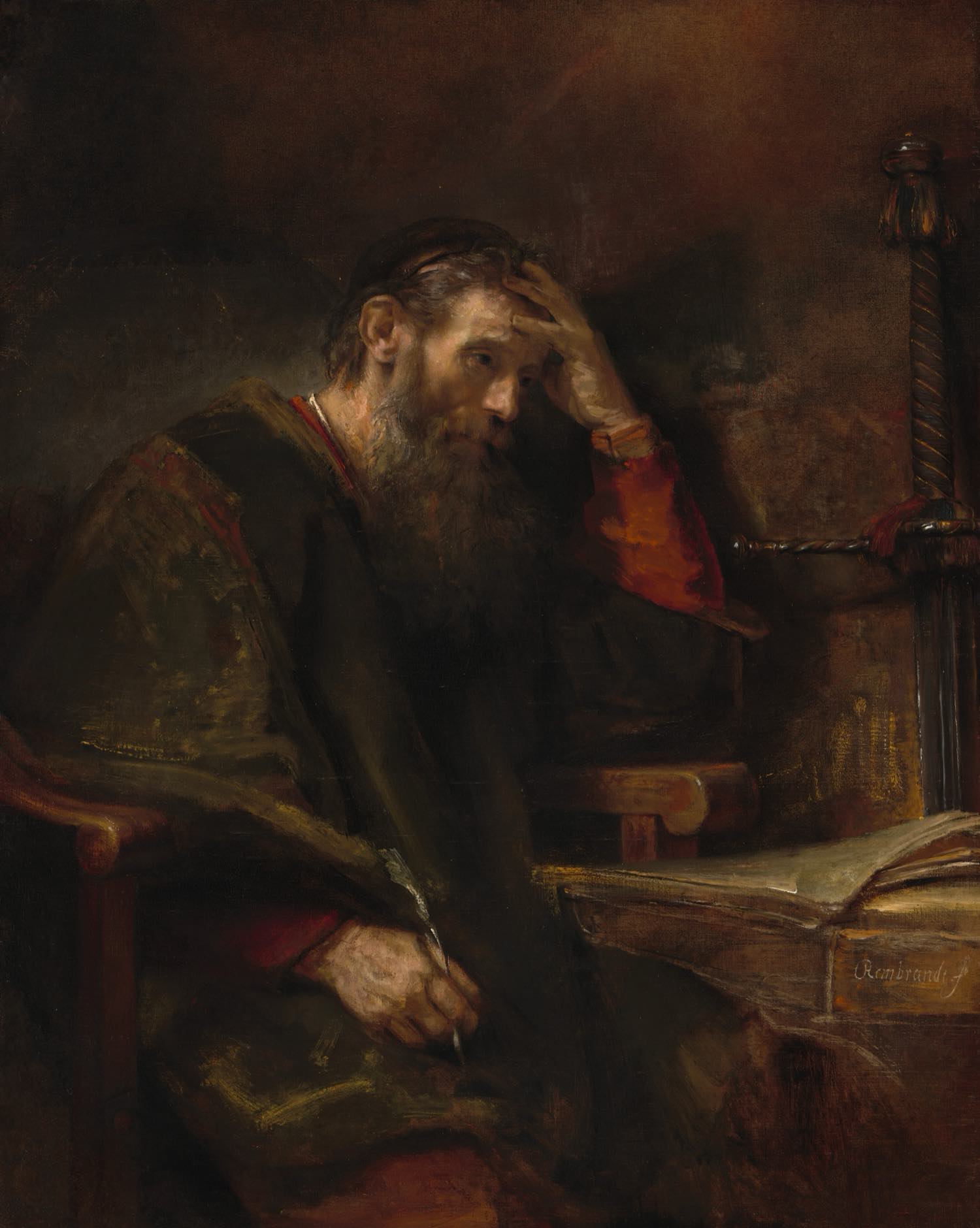
Caravaggio, Saint Jerome Writing, c. 1605
Sonetia for Mac
Your manuscript, characters, plot and notes, side by side. Built for Mac.
Writing
Set the paper, font, spacing and margins once. Running heads and page numbers are added for you. Start from a template such as Standard Manuscript or 50,000 in November.
One · A Missing Letter
Noah Page
One · A Missing Letter
The letter e went missing on a Tuesday, taking half the English language with it.
Clara Quill searched beneath the composing stone, in the cuff of her sleeve and, finally, in the pocket of her father’s coat. There she found three pieces of type, a crust of bread and a receipt for paper he had assured her they could not afford.
“Father.”
Thomas Quill looked up from the press. “If this concerns the e, I was keeping it warm.”
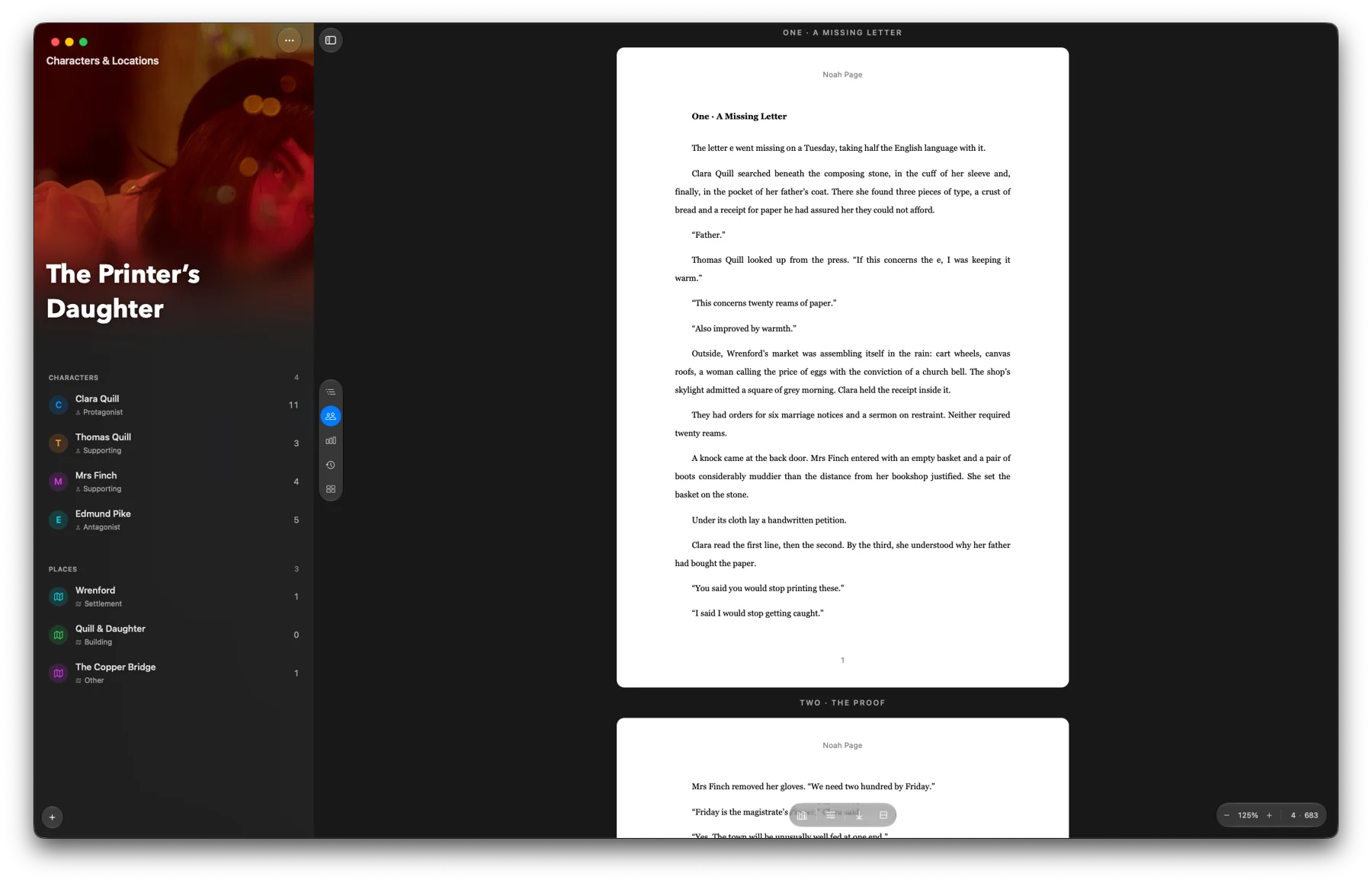
Characters & Locations
Sonetia finds the names in your manuscript. See how often each character appears, who they share scenes with, and how they’re related.
One · A Missing Letter
Noah Page
Thomas Quill looked up from the press. “If this concerns the e, I was keeping it warm.”
Outside, Wrenford’s market was assembling itself in the rain. The shop’s skylight admitted a square of grey morning. Clara held the receipt inside it.
A knock came at the back door. Mrs Finch entered with an empty basket and a pair of boots considerably muddier than the distance from her bookshop justified.
Clara read the first line, then the second.
Plot Board
Every chapter becomes a card. Drag the cards to try a new order. Your manuscript doesn’t change until you move the chapters yourself.
Plot Board
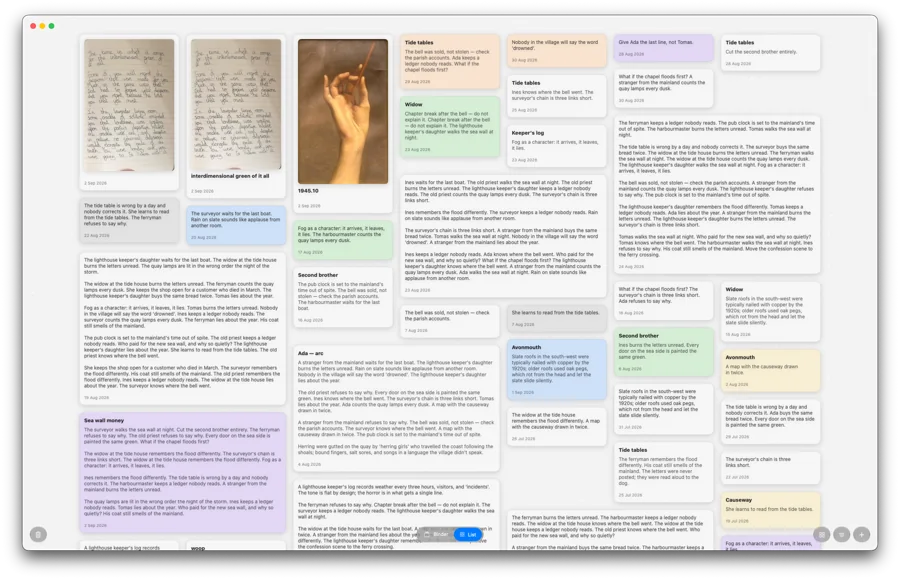
Collect notes, images and research outside the manuscript. Photograph a handwritten page and Sonetia turns it into text.
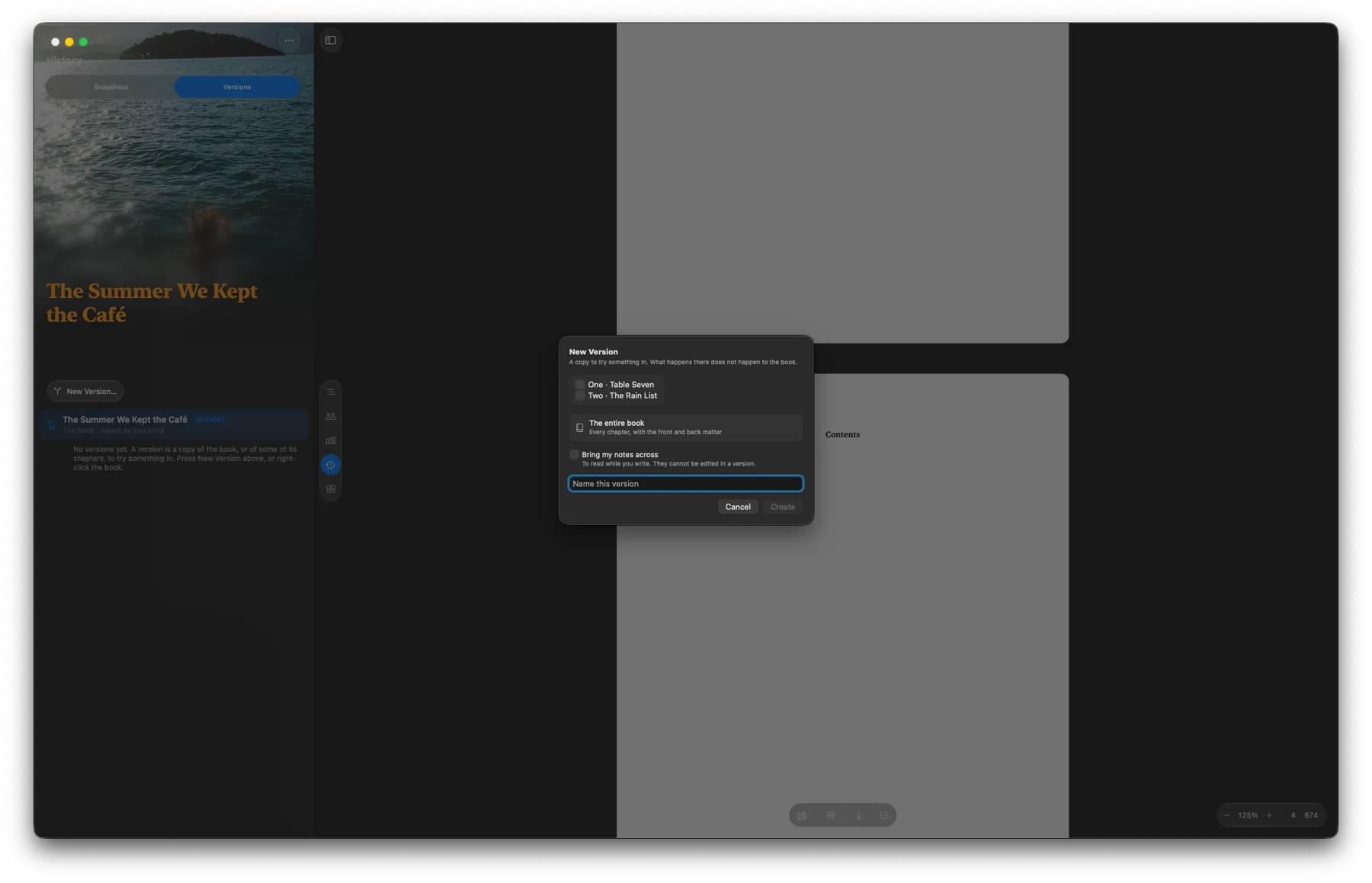
Copy a chapter or the whole book and rewrite it side by side with the original.
Check spelling, grammar, placeholders and typography before you export. Then save as PDF, Word or EPUB.
"We need two hundred by Friday," Mrs Finch said.
“Friday is the magistrate’s dinnner,” Clara said.
The petition asked for an accounting of the TK. No grand language, no call to gather in the square.
Set a word target and a finish date. Sonetia shows how much to write each day.
1,667words a day to reach 50,000 in November
Saved as you write. Compare any snapshot and bring back a paragraph.
Hear your writing read back, sentence by sentence.
Bring in Word, Scrivener, Markdown and PDF files.
Send a chapter to WordPress or Ghost as a draft.
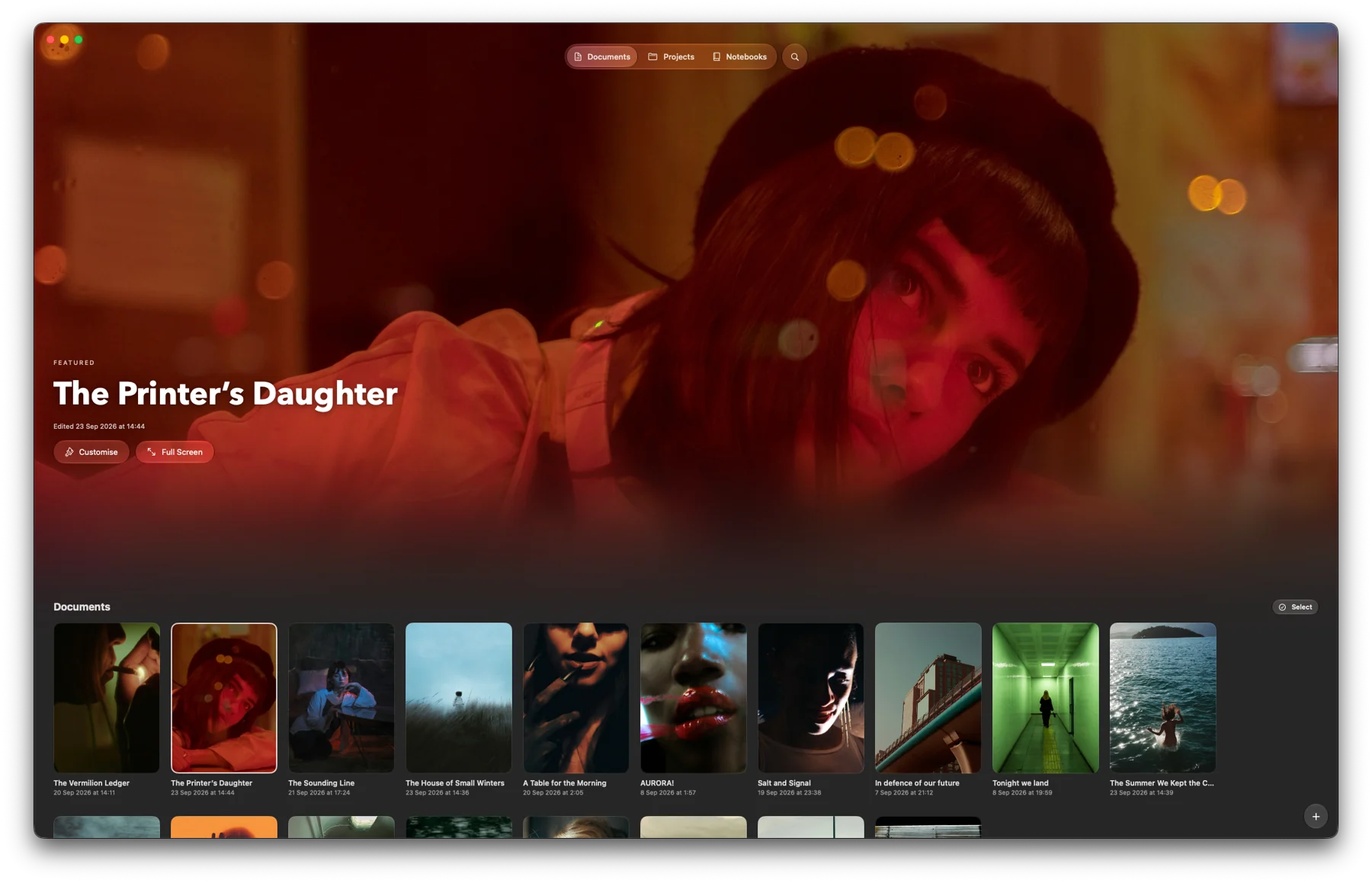
Your documents, projects and notebooks in one place. Give each one a cover from a photo or a video clip.
A single purchase on the Mac App Store.
Your books are files, saved where you choose.
Sonetia never writes for you, or sends your work to an AI service.
No. You buy Sonetia once on the Mac App Store.
Yes. Your work is saved on your Mac. You only need a connection to sync a cloud folder or send a chapter to your website.
No. Sonetia never generates prose, and never sends your writing to an AI service.
Yes. Import Word, Scrivener, Markdown and PDF files. Your originals are left as they are.
Apple silicon and Intel Macs running macOS 26 or later.
Word, PDF, EPUB, Markdown and plain text, plus standard manuscript format for submissions. For help with files and backups, visit Support.

One purchase. macOS 26 or later. Made in the UK.